to “here are the files.”
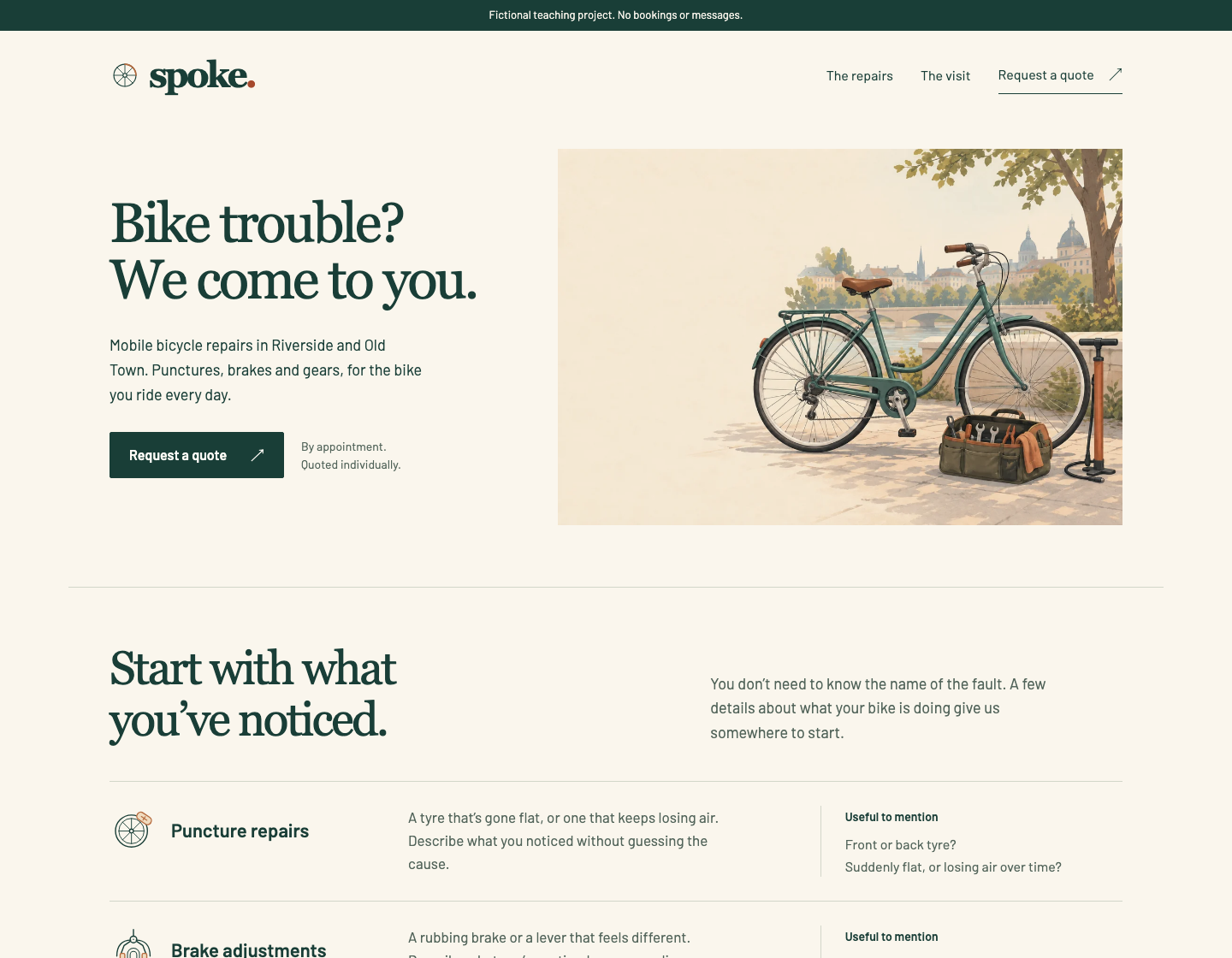
Mobile bicycle repairs.
Two local areas.
One clear quote request.
AI Website Workshop
Build client websites with Claude Code or Codex, from the first brief and price to the files you hand over.
18 skills · 10 lessons · editable website source
A scoped and priced website job, a built and reviewed page, handoff files and an honest case study.
- 14-day money-back guarantee
- 30 days of installation and getting-started help from purchase.
For Claude Code or Codex on your computer. Self-paced text lessons; your AI access is separate.
See the lessonsIs this workshop for you?
A good fit if
- You want to build websites for clients, or for your own business, with Claude Code or Codex.
- You are comfortable copying folders and editing files on your computer.
- You want a repeatable process: brief, scope, price, build, review and handoff.
Not the right choice if
- You only use ChatGPT or Claude in the browser. The skills need Claude Code or Codex; the AI kits work in any chat.
- You want a website made for you. Our website service does that.
- You are looking for guaranteed clients or income.
The lessons
What you’ll make, lesson by lesson.
Self-paced text lessons. The first four are free to read online.
- Lesson 1
Install a skill and finish one task
You make: A checked paragraph and a factual change note.
- Lesson 2
Give the model a source of truth
You make: A reusable brief and a short claim-to-source record.
- Lesson 3
Audit a website and improve its copy
You make: An evidence-backed audit and replacement homepage copy.
- Lesson 4
Create a download someone can use
You make: An editable worksheet, a description and a delivery check.
- Lesson 5
Define a service someone could buy
You’ll turn a vague request into scope, a proposed price and acceptance checks.
- Lesson 6
Find a relevant opportunity in supplied evidence
You’ll decide which supplied lead fits and prepare an evidence-based draft.
- Lesson 7
Give the design something useful to say
You’ll map visitor questions to content, references and design decisions.
- Lesson 8
Produce and review images with the tools you have
You’ll choose a feasible asset route, inspect the result and record its origin.
- Lesson 9
Build, inspect and revise the page
You’ll run the example, test its behavior and handle a revision.
- Lesson 10
Hand over the work and show honest proof
You’ll package the source, explain remaining setup and prepare a case study.
A scoped and priced website job, a built and reviewed page, handoff files and an honest case study.
One project. The whole process.
Follow Spoke from a vague brief to the finished website. See the design decisions, revisions and handoff files that got it there.
Explore the live example- Brief & scopeDefine the work before you start.
- Design & buildMake, inspect and improve the page.
- Review & handoffDeliver files someone can use.
18 reusable AI skills.
Use a single skill when you need it, or follow the lessons from the start.
Find a suitable job
- Website Opportunity Audit
- Lead Fit Review
- Outreach Draft
Scope and price the work
- Service Scope
- Project Pricing
Design and make
- Page Copy
- Lead Magnet Build
- Design Direction
- Landing Page Build
- Website Visual Assets
Review and revise
- Draft Polish
- Visual Review
- Revision Triage
- Website Performance Repair
Hand over and repeat
- Delivery Check
- Client Handoff
- Case Study
- Weekly Review
Before you start
What you need.
The free setup lesson walks you through installing the skills in either assistant.
- Claude Code or Codex on your computer
Use either one; you don’t need both. Your AI access is separate from this purchase.
- A little comfort with files
You’ll copy folders, run a few commands and edit text files. The lessons show each step.
- Node 22.13+ and npm
For running the website project. Hosting, domains and optional media tools are separate.
More details.
Examples, licence and purchase details.
Examples & editable files
- Fold homepage audit and copy refresh.
- Margin Press worksheet and editable source.
- Four client-work documents and a small-service guide.
- Complete Spoke website source, workbook and six action cards.
- An independent Alder capstone, with a separate worked answer. Preview its reference page.
- Design studies, pricing calculator and handoff records.
Licence & purchase details
30 days of installation and getting-started help from purchase. 14-day money-back guarantee.
Digital files you can edit for your own projects and client work. Don’t resell or redistribute the pack itself. Usage and support details.
Checkout and download delivery are handled by Polar. The archive uses the original title “Client Website Service Pack.”
Have an offer code?
Secure checkout by Polar. Your receipt includes access to your downloads. Final total shown at checkout.
Enter your offer code at checkout. Discounts do not stack.